

ChatGPT Product Feed Optimization: Fields and Checklist
Improve ChatGPT product feed quality with practical guidance for titles, identifiers, prices, availability, variants, images and refresh rules.
Key Takeaways: ChatGPT Product Feed Optimization
5- A product feed carries identity, description, price, availability, image, seller and variant data in a structured catalog.
- Resolve conflicting price or availability values across the feed, product page and structured data before treating visibility as the problem.
- Write titles and descriptions around real product attributes and use cases rather than promotional slogans or keyword repetition.
- Use genuine GTIN, MPN and brand identifiers; never invent values to fill an incomplete record.
- Protect feed quality with error monitoring, suitable refresh frequency and a clear policy for discontinued products.
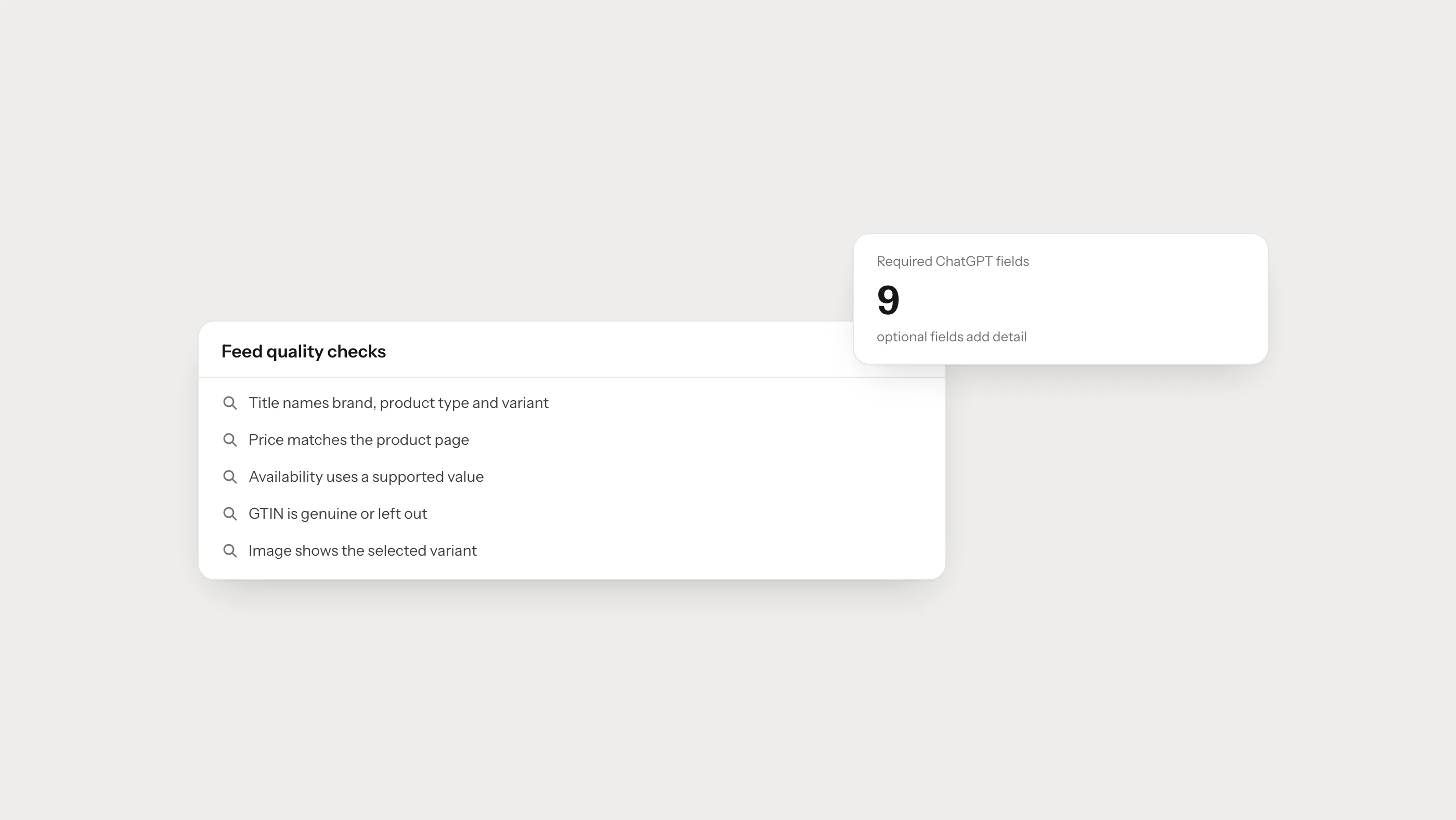
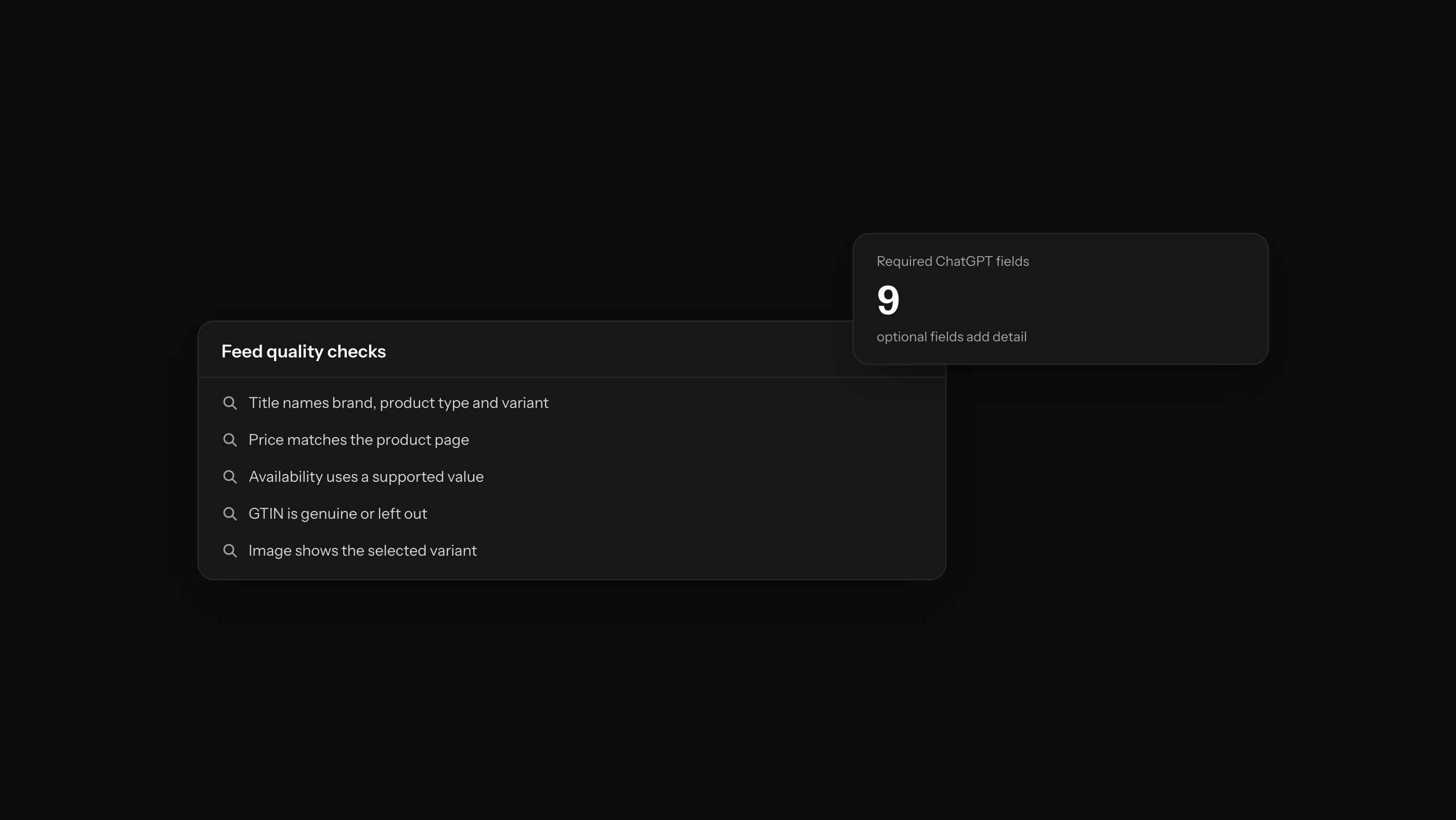
A product feed can look like a routine technical export. In practice, one stale price, sold-out item or incorrectly grouped variant is enough to show a shopper the wrong offer. For shopping experiences such as ChatGPT, feed optimization begins with accuracy rather than clever wording.
A strong feed gives every item a stable identity, current commercial information and enough detail to support a buying decision. Passing a technical validation check is only the start. The product must still match the right question with the right price and the right variant.
OpenAI says direct product feeds can help keep product information current, while eligible Shopify catalog data may be integrated through Shopify. The delivery route varies by platform, but the underlying rule does not: the catalog, product page and ordering system should describe the same reality.
The fields and checks below provide a practical review before a feed goes live. For the broader strategy, start with How to Get Your Products Recommended by ChatGPT.
For the exact OpenAI field names, required values and current submission route, use ChatGPT Product Feed Requirements. This article focuses on the quality of the catalog behind those fields.
What Is a Product Feed?
A product feed is a structured stream of catalog records. It may travel as CSV, XML, JSON, an API or a platform integration. The format matters less than the quality of each record: every row or object should describe one current product or sellable variant without ambiguity.
A useful feed answers questions such as:
- Which product is this?
- What brand and model is it?
- Where can a shopper buy it?
- What is the current price and currency?
- Can it be ordered now?
- Which image represents the product?
- Which color, size or capacity variant is this?
- Which category and use case does it belong to?
OpenAI’s shopping guidance says product experiences may use structured metadata, price, descriptions, reviews and availability. A feed is therefore more than a channel connection: it is one of the sources a system can use to understand what is being sold.
Priority Fields in a Product Feed
Field names vary by provider. Treat the table below as a quality model, not as a universal OpenAI specification, and verify exact requirements in the documentation for your own integration.
| Information group | Example field | Quality requirement |
|---|---|---|
| Unique identity | id, sku | Stable value that is never reused for another item |
| Product title | title | Brand + model + product type + decisive variant |
| Description | description | Accurate attributes and use-case information |
| Product URL | link | Canonical product page returning 200 |
| Main image | image_link | Clear product image on a stable, crawlable URL |
| Price | price, currency | Same purchase price and currency shown on the page |
| Availability | availability | Reflects whether the selected item can be ordered |
| Brand | brand | Same brand name used on the page and packaging |
| Global identifier | gtin, ean, upc | Genuine code supplied for that exact product |
| Manufacturer code | mpn | Real manufacturer part number |
| Variant group | item_group_id | Connects color, size or capacity variants correctly |
| Condition | condition | Accurate new, refurbished or used status |
How to Optimize Product Titles
Think of the feed title as an identity card, not an advert. It should answer one question quickly: “Which exact item does this record describe?”
Useful title structures vary by category:
- Apparel: Brand + model + audience + product type + color + size
- Electronics: Brand + model + product type + capacity or size + decisive feature
- Furniture: Brand or range + product type + material + dimensions + color
- Beauty: Brand + range + product type + volume + shade or variant
- Parts: Brand + part type + compatible model + MPN
Avoid:
- Unverifiable words such as “best,” “amazing” or “unmissable,”
- Promotion and shipping messages at the beginning of the title,
- Every color and size crammed into one record,
- Different spellings of the same brand or model,
- Irrelevant search terms added for reach.
Make title changes deliberately. Constantly rewriting the product identity can make performance analysis and cross-source matching harder.
What Should the Product Description Include?
A useful description does not merely repeat the catalog fields. It helps the shopper decide. In the first one or two sentences, say what the product is and who it suits. Then explain distinguishing attributes, compatibility and any meaningful limitation.
A practical structure is:
- Plain-language product definition,
- Primary use case,
- Three distinguishing features,
- Size, material or compatibility information,
- Box contents,
- Care requirements or usage limitations.
Do not place claims in the feed that a shopper cannot verify on the product page. If page copy and feed copy disagree, it is difficult to tell which record is current.
How to Keep Price and Availability Consistent
Price and availability become stale faster than most product fields. A weekly manual upload may be too slow for a catalog that changes throughout the day. Match the refresh process to the business:
- Trigger updates when price or stock changes,
- Use frequent full or incremental synchronisation when event-based updates are not possible,
- Alert the team when an update fails,
- Compare page, feed and structured-data values automatically.
Test these price scenarios:
- List price and sale price are mapped to the correct fields,
- Campaign start and end times use the correct time zone,
- Tax treatment matches what appears on the page,
- The currency uses the correct ISO code,
- The displayed price belongs to the selected variant.
“In stock” should mean that the shopper can order that item from the stated URL under the stated conditions. Represent preorder and temporarily unavailable products with the distinct values supported by the provider.
GTIN, MPN and SKU: What Is the Difference?
- GTIN/EAN/UPC: A standard identifier for a trade item, normally supplied by the manufacturer or authorized issuer.
- MPN: The part or model number assigned by the manufacturer.
- SKU: The merchant’s internal identity for inventory and operations.
Do not substitute one for another. If a product has no GTIN, generating a random value can create a false match with a different item. For an own-brand product, use its genuine brand, MPN and SKU consistently.
How to Model Product Variants
Different sizes of one shirt, storage options for one phone and fabric choices for one sofa are related products, but each may have a separate sellable state.
A sound variant model:
- Gives every sellable variant a unique
id, - Preserves the parent relationship through a group identifier,
- Stores color, size, capacity or material in dedicated fields,
- Supplies variant-level price and availability,
- Links to a page where the relevant variant is visible or selected.
Combining all variants into one record creates price and stock ambiguity. Sending every option as an unrelated product fragments the catalog. The feed, URLs and structured data should express the same parent-variant relationship.
Product Image Checklist
Images help shoppers recognise the correct item and can support visual matching. Review them as product data, not only as decoration.
- Show the actual product clearly in the main image.
- Avoid watermarks, price labels and heavy promotional text.
- Use a stable URL that returns 200 to permitted crawlers.
- Match the image to the relevant variant.
- Supply additional angles or in-use images separately.
- Compress files without making product details difficult to see.
- Describe the visible item in concise, natural alt text.
What Should Shopify Merchants Do?
OpenAI’s Shopify merchant guidance says Shopify catalog data can be available to ChatGPT where eligible. That may mean an individual merchant does not need a separate direct-feed application.
The merchant still owns the quality of the underlying data:
- Are titles and descriptions complete?
- Are variants grouped correctly?
- Do barcode and GTIN fields contain genuine values?
- Do prices and stock match across sales channels?
- Are discontinued products archived correctly?
- Does each image show the selected variant?
An integration moves data. It cannot correct a price, identifier or stock status that was wrong at the source.
How to Align a Feed with Product Structured Data
The feed and the page’s JSON-LD should describe the same product reality. The field names do not need to be identical, but the values should agree.
| Check | Feed value | Page or JSON-LD value |
|---|---|---|
| Identity | id, GTIN, MPN | sku, gtin, mpn |
| Brand | Brand field | brand.name |
| Price | Price + currency | offers.price + priceCurrency |
| Availability | Availability status | offers.availability |
| URL | Product link | Canonical URL or offers.url |
| Image | Main image URL | image |
Google recommends using both Product structured data and a Merchant Center feed where appropriate because the two sources can help it understand and verify product information. Do not turn that recommendation into an unsupported claim about ChatGPT rankings. The clear benefit is consistent product data across channels.
For implementation on the page itself, see E-commerce Product Page Optimization for AI Search.
Product Feed Quality Checklist
Run these checks before launch and after every major catalog change.
Identity
- Are any product IDs duplicated?
- Is one GTIN attached to unrelated products?
- Does the same brand appear under different spellings?
- Are variant groups accurate?
Commercial data
- Does the feed price match the page?
- Is the currency correct?
- Can an “in stock” item actually be ordered?
- Have discontinued records been removed or marked correctly?
Content
- Does the title distinguish the item?
- Does the description match the visible page?
- Are important attributes missing?
- Do image URLs work?
Technical access
- Do product URLs return 200?
- Are there redirect chains?
- Does the canonical point to another product?
- Are OAI-SearchBot, Googlebot or required shopping crawlers blocked?
Site Health can help identify recurring crawl, schema and page-health patterns across large product groups. Catalog errors should still be fixed in the system where they originate.
How to Measure Feed Performance
A successfully processed file is a useful technical signal, but it is not the business result. Track:
- The share of valid, warned and rejected products,
- Stale price and availability records,
- Product mentions across the target shopping prompt set,
- Incorrectly reported features and variants,
- AI referral visits to product pages,
- Add-to-basket and purchase performance for those sessions.
Record a baseline before making a major feed change. Compare the same product group, market and prompt set over time. One conversational answer is not a representative sample.
Frequently Asked Questions
Is a product feed mandatory for ChatGPT?
There is no single mandatory route for every merchant or every type of result. ChatGPT may use web pages, first- and third-party product data and eligible integrations. A direct feed can improve catalog coverage and freshness where the option is available.
Do Shopify merchants need to apply separately?
OpenAI’s current guidance says an eligible Shopify catalog may be integrated without a separate direct-feed process for each merchant. Check current Shopify and OpenAI documentation for availability and management options.
How often should a feed be updated?
Match the schedule to the speed of the catalog. If price and stock change often, a daily bulk file may not be enough. Use event-based or frequent incremental updates where the platform supports them.
Should product descriptions be extended with more keywords?
No. Explain what the item is, who it suits, what distinguishes it and where its limits are. Repeating search phrases does not improve the accuracy of the underlying product data.