

AI Site Audit Checklist: Is Your Website Ready for AI Search?
Use this practical AI site audit checklist to test crawler access, rendered content, technical signals, evidence, structured data, and AI answer visibility.
Key Takeaways: AI Site Audits
5- Start with access and rendering. Content cannot be selected reliably if a crawler receives an error, challenge page, empty app shell, or blocked resource.
- Check templates and page groups, not only the homepage. Product, category, documentation, location, and article templates often fail in different ways.
- Clear entities, attributable evidence, dates, authorship, and consistent structured data make a page easier to interpret and verify.
- Do not invent a universal AI-readiness score. Mark checks as passed, needs work, or blocked, then prioritize by business impact and affected URL count.
- Repeat the same prompt and citation checks after material changes so technical improvements can be connected to visible outcomes.
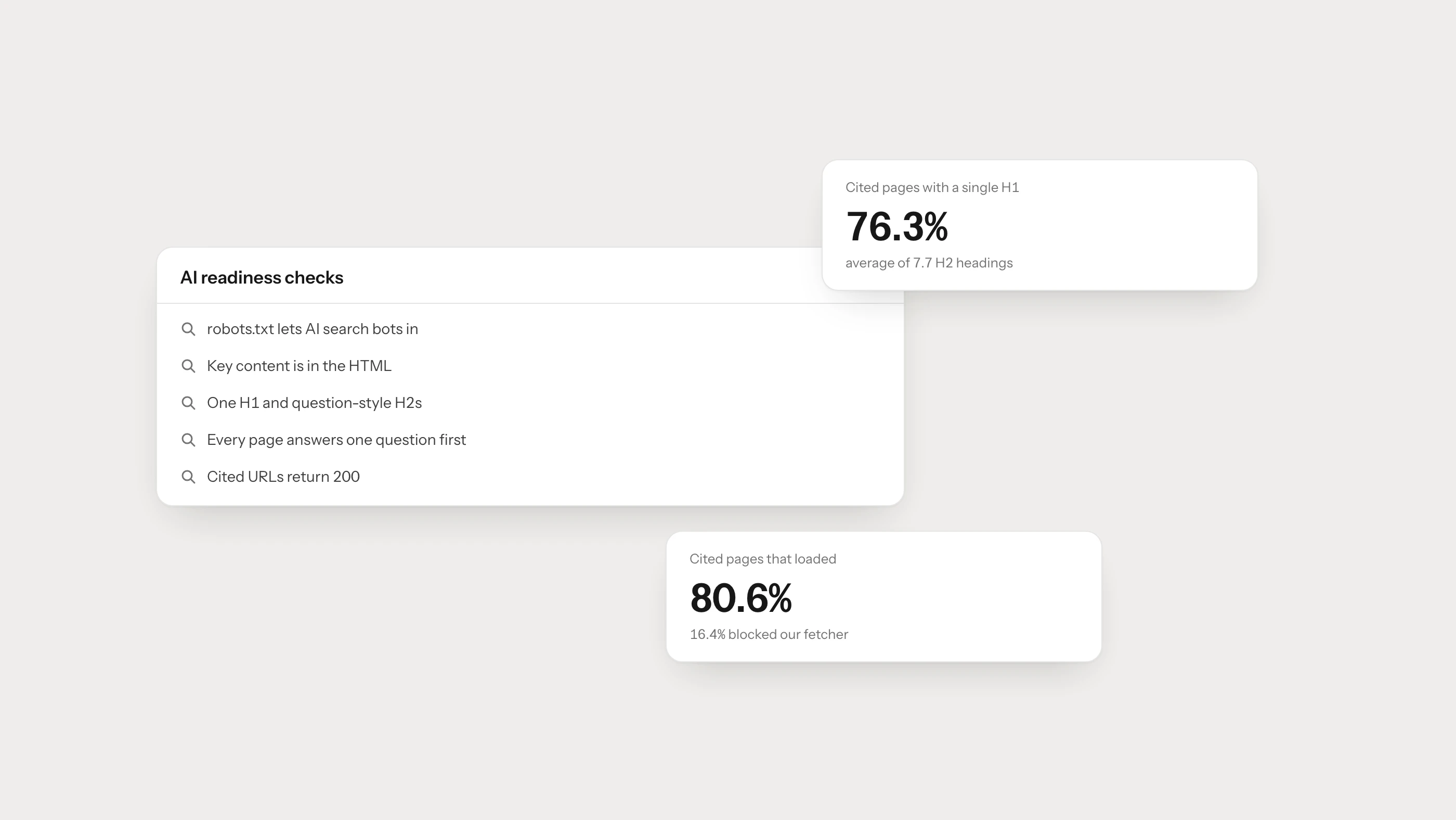
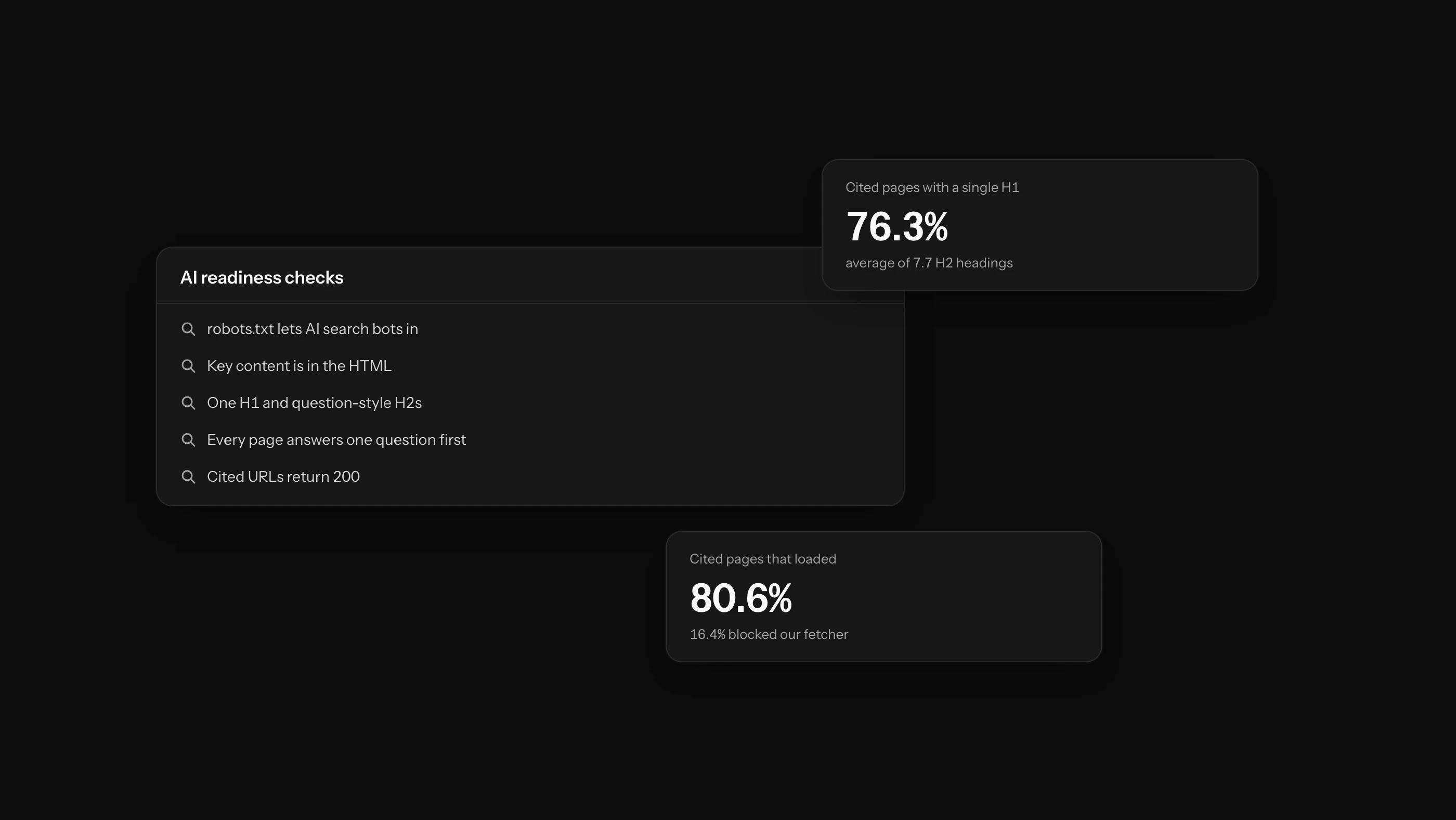
An AI site audit checks whether search and answer systems can reach, render, interpret, verify, and revisit the pages that matter to your business. It is broader than looking for an AI crawler in a log file, and more practical than assigning the whole site a single score.
Begin with the paths that influence real decisions: product and service pages, category hubs, documentation, research, comparison pages, and the articles that answer customer questions. A perfect homepage does not compensate for a blocked product template.
The AI Site Audit Checklist at a Glance
| Area | A practical pass condition | Evidence to collect |
|---|---|---|
| Access | Important public URLs return 200 without a login, challenge, or geography-based block | HTTP response, edge logs, test from more than one location |
| Crawl policy | Search, retrieval, and training bots have intentional, documented rules | Live robots.txt, WAF/CDN rules, provider documentation |
| Rendering | The main answer and links appear in HTML that a crawler can retrieve | Raw HTML and rendered DOM comparison |
| Discovery | Valuable pages have crawlable internal links and appear in the right sitemap | Link graph, sitemap status, orphan-page report |
| Canonicals and languages | Each page declares the correct canonical and real language alternatives | Source HTML, hreflang validation, redirect checks |
| Meaning | The page names the subject, attributes, audience, limits, and relationships clearly | Heading outline, copy review, entity consistency |
| Evidence | Claims have dates, methods, authorship, and primary sources where needed | Visible page elements and source links |
| Structured data | Markup matches visible content and uses the correct page type | Schema validation and source comparison |
| Freshness | Dates, price, availability, specifications, and policy statements are maintained | CMS fields, feed comparison, update ownership |
| Measurement | Crawl, citation, referral, and conversion signals can be reviewed over time | Logs, AI visibility tracking, analytics events |
Google describes three minimum technical conditions for search eligibility: the crawler is not blocked, the page returns a successful HTTP status, and it contains indexable content. These conditions do not guarantee visibility, but they are a useful technical floor. See Google’s technical requirements and OpenAI’s publisher guidance for the provider-specific layer.
A 30-Minute Triage Before the Full Audit
If time is limited, take one high-value URL from each major template and run this sequence:
- Request the page without cookies or a logged-in session.
- Record the status code, final URL, canonical, robots directive, and language annotations.
- Compare view-source HTML with the rendered page. Is the main answer present in both?
- Open robots.txt and check the policy for the bots your organization intends to support.
- Follow internal links to the page. Are they ordinary
<a href>links? - Validate the structured data against what a visitor can see.
- Ask two or three relevant questions in the answer engines you measure and record whether the page or a competitor is cited.
This quick pass will not replace a crawl, but it often reveals whether the problem sits at the server, rendering, content, or answer layer.
1. Audit Access Before Content Quality
Test the final public URL, not only the CMS preview. Look for:
401or403responses on pages intended to be public,- bot challenges that return a successful status but replace the article with an interstitial,
- persistent
429responses caused by an edge rule, - redirect chains and locale redirects that end on the wrong language,
- soft
404pages that return200with an error message, - required CSS, JavaScript, images, or APIs blocked by robots.txt.
Review the server or edge logs as well. A browser test from the office may pass while a verified crawler is blocked elsewhere. The AI crawler traffic analysis guide explains how to separate search bots from training crawlers and user-requested fetchers.
2. Check What Exists Before and After JavaScript
Do not assume every answer engine renders JavaScript like a modern browser. Compare:
- the HTML returned by the server,
- the DOM after scripts finish,
- the text available with JavaScript disabled,
- the links and metadata present at each stage.
The page’s subject, main answer, canonical, indexability directive, and primary links should not depend on a fragile interaction. Server-side rendering or static generation usually gives crawlers and users a more dependable baseline. The detailed trade-offs are covered in Can AI Crawlers Read JavaScript Websites?.
3. Audit Discovery by Template
An XML sitemap helps discovery, but it does not replace internal linking. For each important template, check that:
- the page is linked from a relevant hub,
- pagination and filters do not trap crawlers,
- URLs are consistent and stable,
- the sitemap contains canonical
200URLs only, - orphan pages have an owner and a reason to exist,
- archive pages are useful rather than thin lists.
Map issues by template and affected URL count. Fixing one product template that affects 8,000 URLs is usually more valuable than polishing one isolated article.
4. Make the Page Easy to Interpret
Good AI-search content is not a collection of short, formulaic answers. It gives a system enough context to understand what the answer applies to.
Check whether the page states:
- the subject in plain language,
- who the guidance or product is for,
- important attributes, constraints, and exclusions,
- how the information was produced,
- when it was published or last reviewed,
- which organization, product, or person is being discussed.
Use headings to organize genuine sections, not to repeat near-identical keyword variations. A concise answer near the beginning is useful, but the surrounding explanation should support it with examples, limits, and evidence.
5. Review Evidence and Citation Readiness
A claim is easier to trust when a reader can inspect its origin. Audit:
- author and organization information,
- publication and update dates,
- methodology for original studies,
- sample size and scope for percentages,
- links to primary documentation for changing platform behavior,
- clear labels for estimates, examples, and observed results.
Remove unsupported counters such as “thousands analyzed today” unless a real system supplies the number. Do not turn an internal estimate into a universal benchmark.
6. Validate Structured Data Against the Page
Structured data should describe visible content, not compensate for missing content. Confirm that names, prices, availability, dates, authors, breadcrumbs, and organization details match the page.
Use the most specific applicable type, but avoid adding every schema type that seems related. Invalid or misleading markup creates noise rather than authority. Also verify that the markup remains present in the rendered output after consent tools and client-side navigation run.
7. Test Commercial Data for Consistency
For product and service sites, compare the page with every downstream source:
- product feed,
- structured data,
- internal search index,
- pricing page,
- inventory or booking system,
- localized versions.
If a price or availability value changes, the page and feed should not disagree for days. For ecommerce teams, the ChatGPT product feed requirements provide a field-level starting point.
8. Measure the Answer Layer
A technical fix is complete only when you can observe its effect. Maintain a stable set of questions across discovery, comparison, validation, and purchase intent. For each run, record:
- whether the brand appears,
- which page is cited,
- whether the answer is accurate,
- which competitor is used instead,
- the engine, market, language, and date.
Do not change the prompt set every week and then compare percentages. Hold the method steady around important releases. Brantial Site Health can organize technical findings, while AI visibility tracking should be evaluated as a separate answer-layer signal.
How Should Audit Findings Be Prioritized?
Use three statuses: passed, needs work, and blocked. Then prioritize each issue with four questions:
- How many valuable URLs are affected?
- Does the issue prevent access, interpretation, or only polish presentation?
- Is the affected content tied to customer research or revenue?
- Can the fix be made once at template or infrastructure level?
This is more honest and useful than an unexplained “AI readiness score.” A blocked category template should outrank ten minor wording improvements even if the wording issues are easier to count.
Frequently Asked Questions
Is an AI site audit different from a technical SEO audit?
They overlap. An AI site audit adds bot-purpose decisions, answer-engine citations, retrieval behavior, source consistency, and rendered-answer checks to the usual crawl, indexation, canonical, and performance work.
Does schema markup make a site AI-ready?
No. Accurate structured data can reduce ambiguity, but it cannot repair blocked access, weak evidence, contradictory product data, or missing content.
Should every page be optimized for AI answers?
No. Prioritize pages that answer meaningful customer questions or describe important products, services, research, and policies. Utility and account pages have different jobs.
How often should the audit be repeated?
Run template-level checks after a redesign, framework migration, CDN or consent change, and major catalog release. Review bot policies and the answer layer at least quarterly because provider behavior changes.